
Telegram 12.10.1 for Android
12.10.1 · Telegram Messenger LLP · Page updated
Telegram is a free cloud-based messenger for Android from Telegram Messenger LLP. The current version is 12.10.1.
Rate Telegram
Average 0.0 · ratings: 0
Thank you! Your rating is saved; you can change it. Could not save the rating. Please try again later. Too many ratings from your network today. Please try again tomorrow. The average appears after 5 ratings.
Screenshots
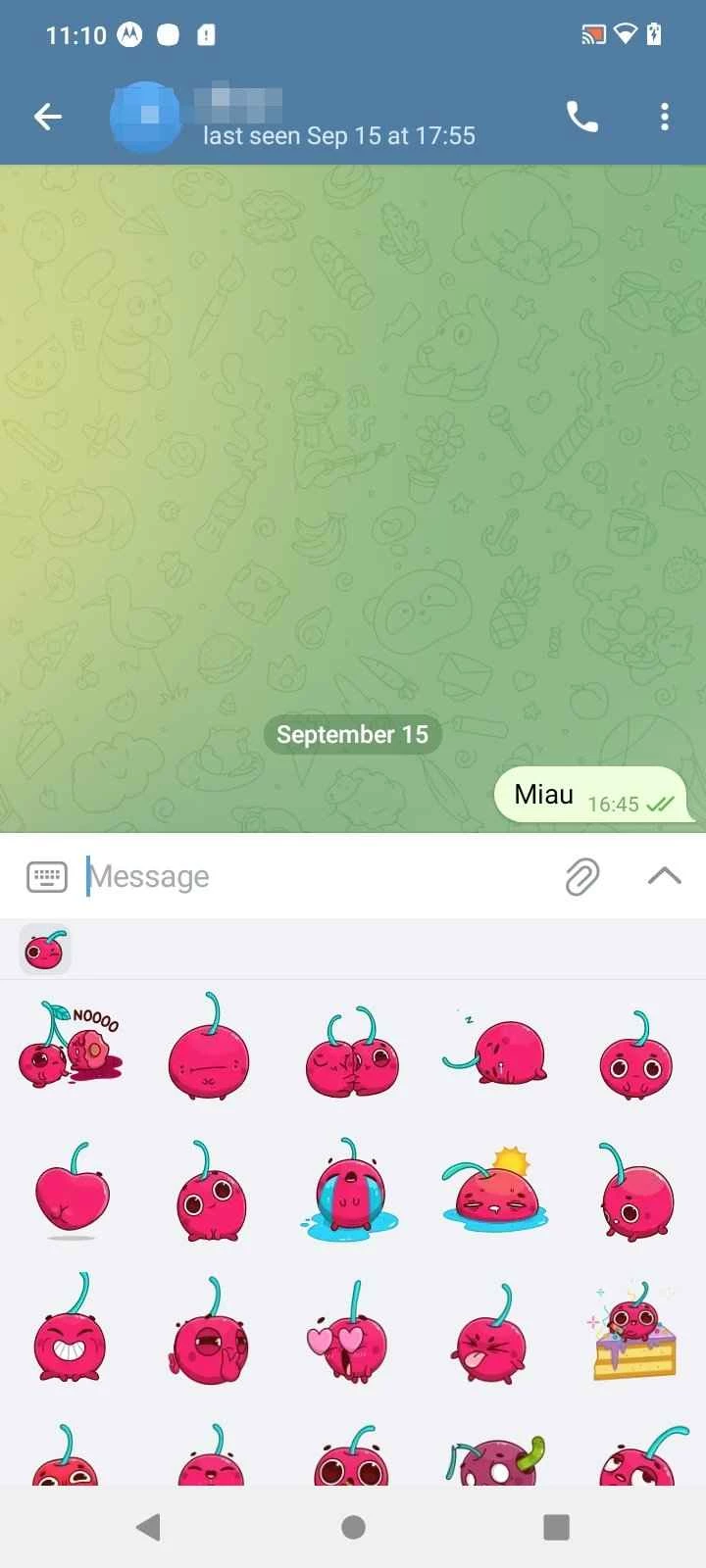
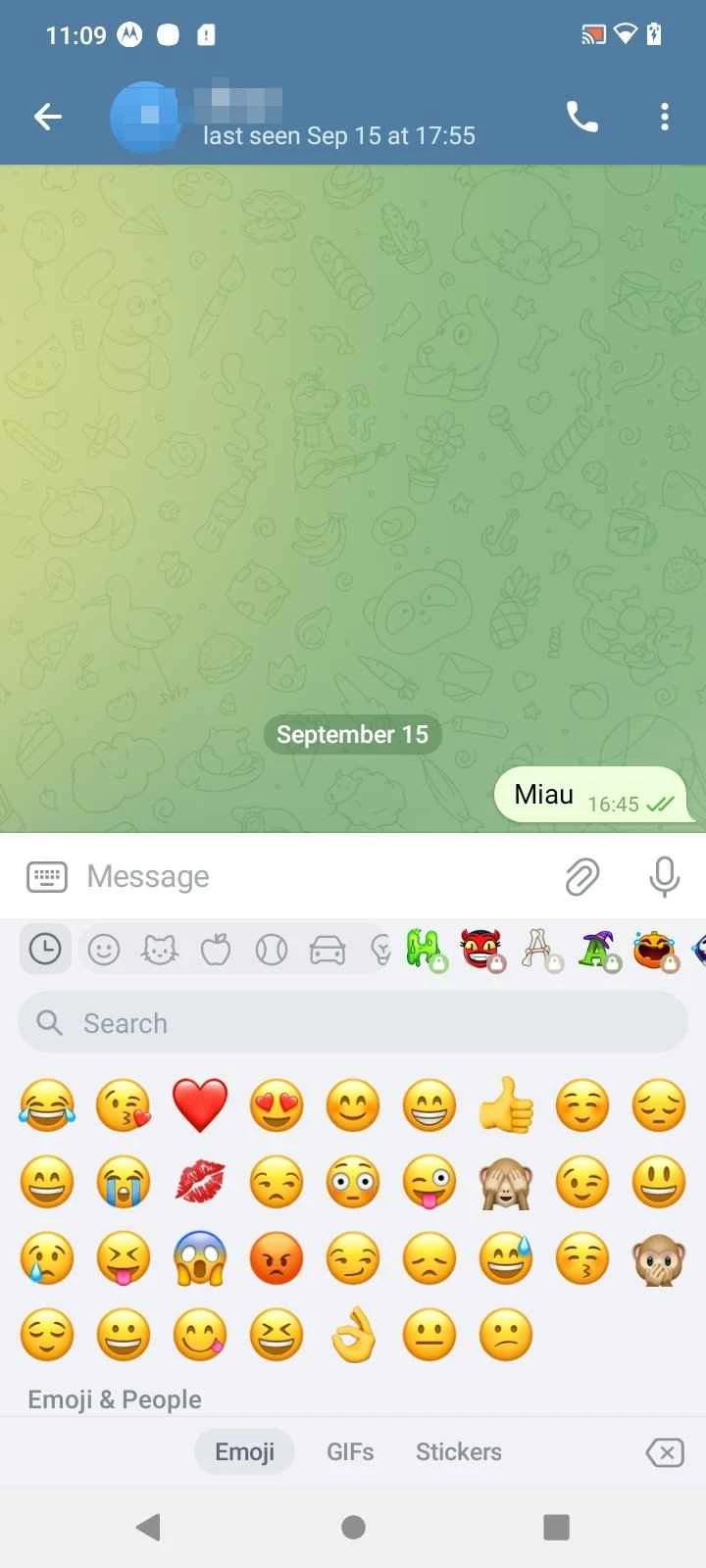
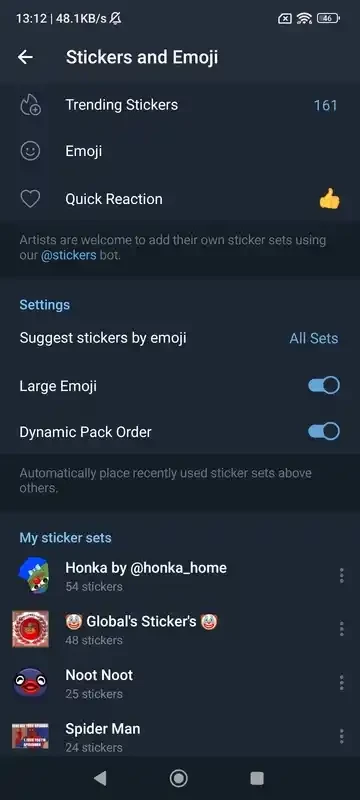
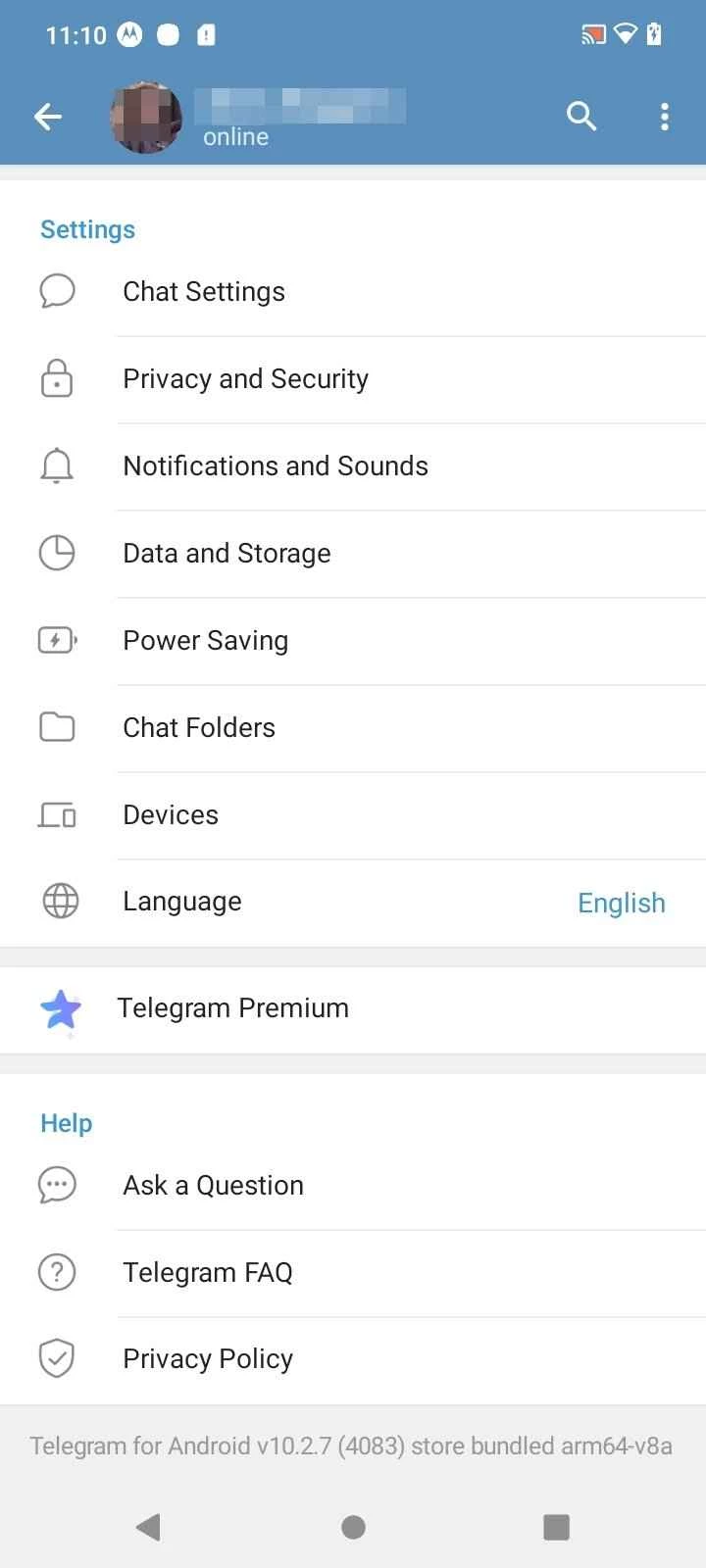
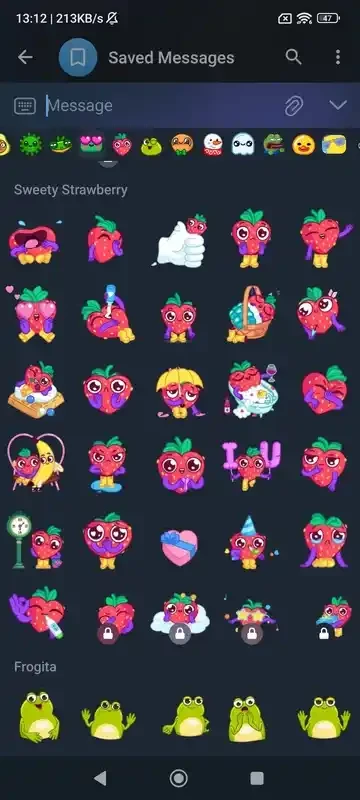
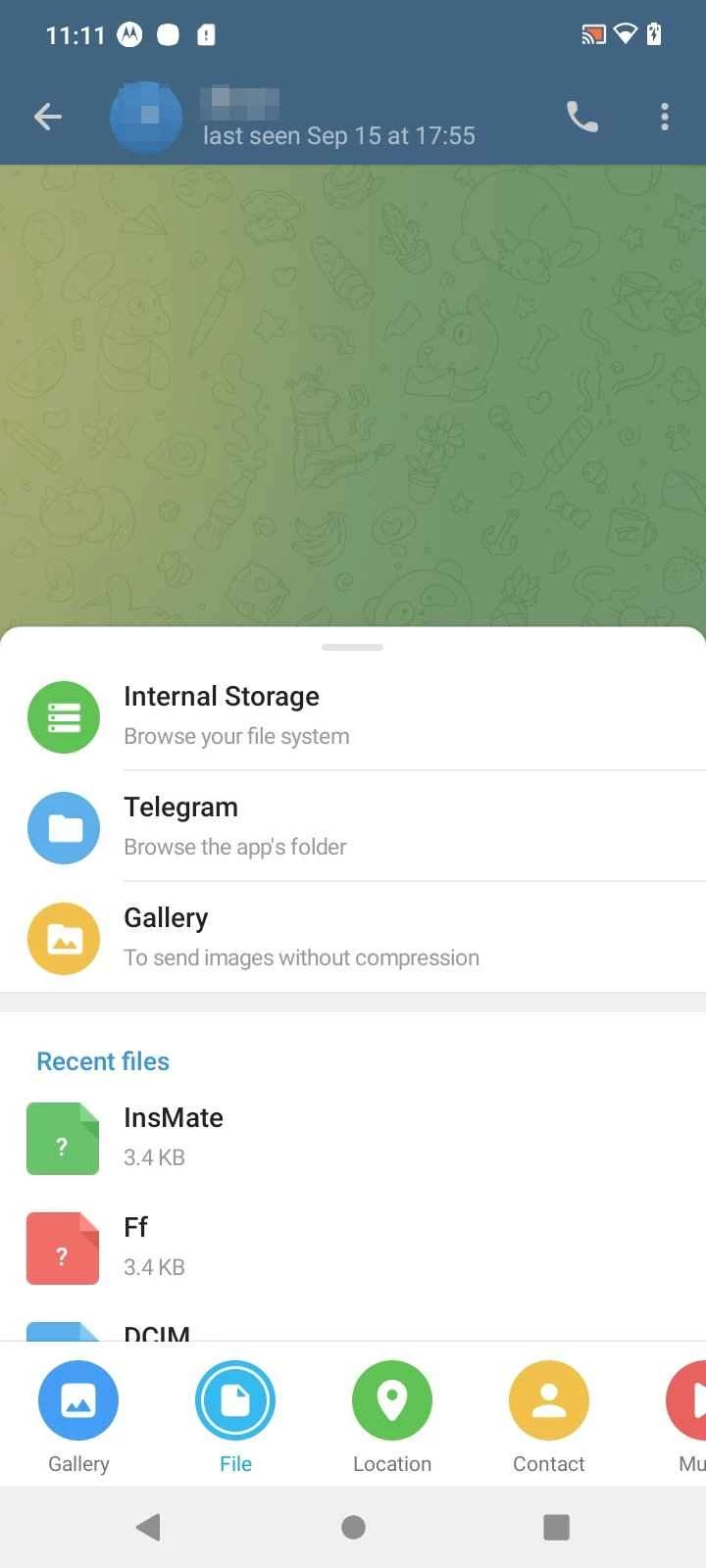
About Telegram
Telegram 12.10.1 for Android is the current release of the free messenger, published on 9 September 2026. According to catalogue data, the download is about 69.64 MB, and on Google Play the app is listed under Telegram Messenger LLP.
Telegram keeps your chats in the cloud, so the same conversations open on your phone, your computer and in a browser without transferring anything by hand.
What Telegram is
Nikolai and Pavel Durov launched Telegram on 14 August 2013, and Wikidata describes it simply as an instant messaging service. That undersells it a little. Besides one-to-one chats, the app handles large groups, public channels that anyone can follow, voice and video calls, and file sharing. Because messages are stored on Telegram's servers rather than only on the device, you can lose or replace your phone and still find every ordinary chat after logging in again. The same account works in the Android app, on iOS, in the desktop client for Windows, macOS and Linux, and on web.telegram.org. The client apps are open source under the GNU GPL version 3; the Android code is published on GitHub, where anyone can check what the app does. For people who talk to friends in several countries, follow news channels and move between phone and PC during the day, that combination explains why Telegram often replaces two or three other apps.
How to install Telegram on Android
- Open Google Play and search for Telegram.
- Check that the developer is Telegram Messenger LLP, then tap Install.
- Open the app and enter your phone number.
- Type the code you receive and set a name and photo.
You can also start from telegram.org, which links to every official version of the app.
Is Telegram free and safe?
The app is free to download and use. Install it only from Google Play or the official website; modified Telegram builds circulate on APK sites and may read your messages. After installing, go through the privacy settings: you decide who sees your phone number, your last-seen time and your profile photo, and you can turn on a cloud password for extra protection.
Requirements
An Android phone with a working phone number and enough space for the app plus the media cache, which grows as you receive photos and videos. The cache can be limited or cleared in the settings, which is worth doing on phones with little storage.
On other devices
The desktop app has its own version numbers, 7.2.9 at the moment, and a separate desktop changelog. Do not be surprised that they differ from the Android release: each client is updated on its own schedule.
Pros and cons
- Chats sync across phone, desktop and web.
- Large groups and public channels in one app.
- Open-source clients.
- Ordinary chats live on Telegram's servers, not only on your phone.
- Busy channels and groups can become noisy without muting.
Alternatives
If your circle mostly gathers on community servers with voice rooms, Discord is the better fit. For video meetings with colleagues, Google Meet needs nothing but a link.