
Signal
Signal is a free, privacy-focused encrypted messaging app from the Signal Foundation. Signal Desktop 8.28.0 brings your chats to a Windows PC.
Windows
Open source

Telegram Desktop is the official Windows client of the Telegram messenger, with chats, groups, channels and file sharing synced from the cloud.
Average 0.0 · ratings: 0
Thank you! Your rating is saved; you can change it. Could not save the rating. Please try again later. Too many ratings from your network today. Please try again tomorrow. The average appears after 5 ratings.
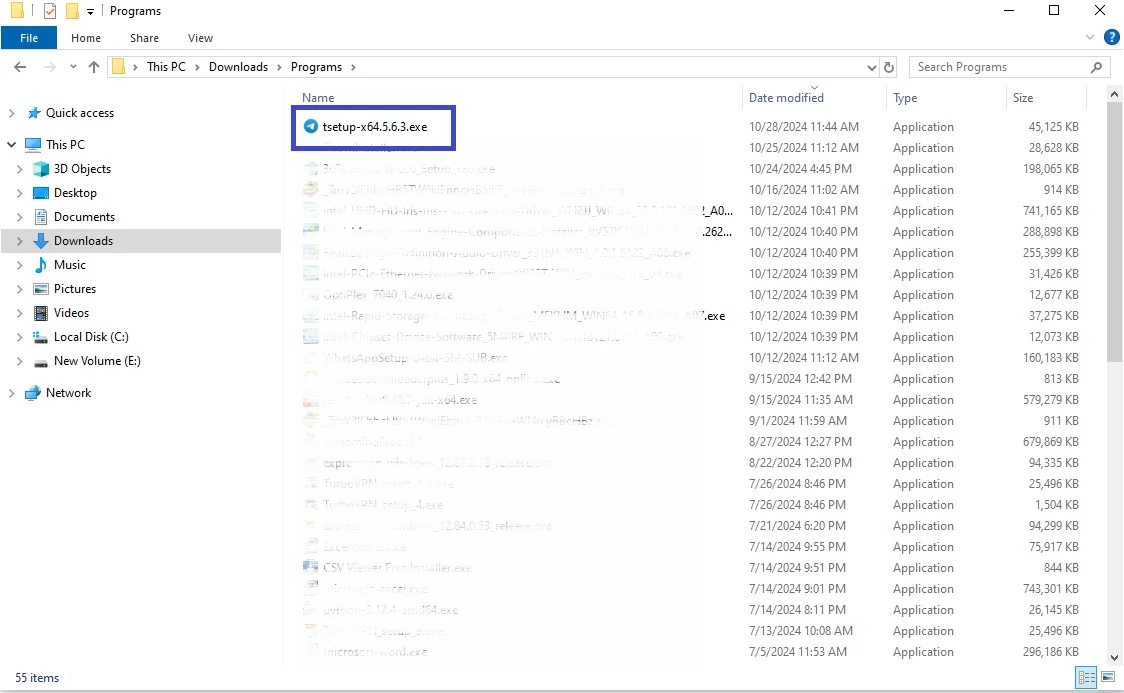
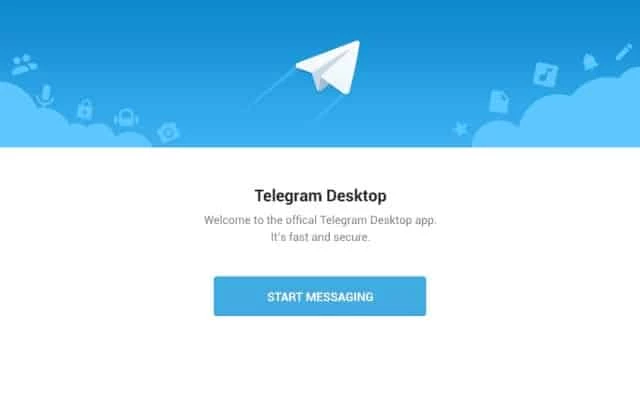
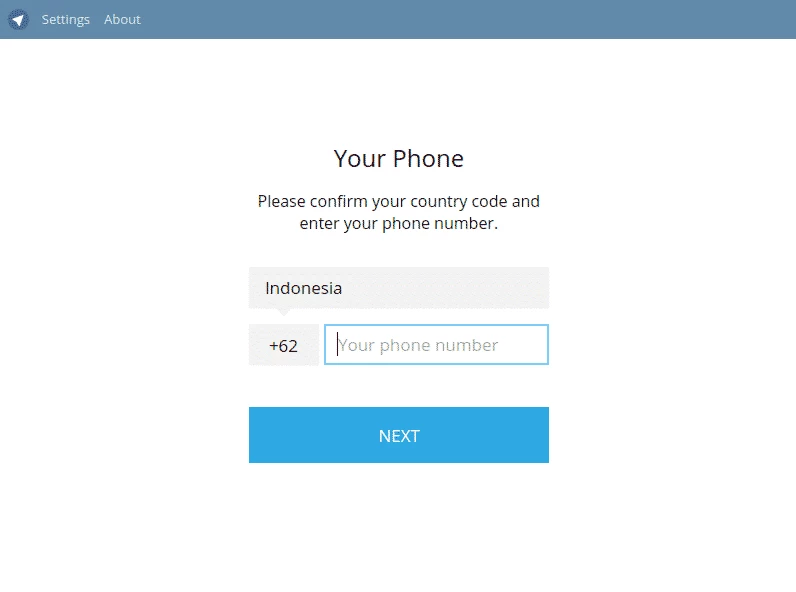
Telegram Desktop 7.2.9 for Windows is the official desktop client of the Telegram instant messaging service, and you can download it free from telegram.org. Version 7.2.9 was released on 17 September 2026. Your chats live in Telegram's cloud, so the PC shows the same conversations as your phone the moment you log in.
Telegram was launched on 14 August 2013 by Pavel and Nikolai Durov, and its desktop app has always been one of its strong points. It suits several kinds of users. People who work at a computer all day get a messenger that feels like a native program rather than a mirror of the phone, because it keeps working even when the phone is switched off. Channel owners and group admins can write long posts, schedule messages and moderate discussions with a keyboard. Teams and study groups share large files and folders without email attachments. And readers who follow news channels find it more comfortable to scroll them on a wide screen. If you only exchange a few messages a day, the phone app alone will probably do.
| Version | 7.2.9 (stable) |
|---|---|
| Release date | 17 September 2026 |
| Developer | Telegram FZ-LLC |
| License | Open source; the desktop client's source code is published under the GNU General Public License, version 3.0 |
| Platforms | Windows, macOS, Linux, Android, iOS, ChromeOS |
| Size | about 53.1 MB according to catalogue data |
Every release is described in the official version history, and the source code is available on GitHub.
Download Telegram only from telegram.org, its desktop page or the Microsoft Store. Unofficial builds can capture your session and read your messages. Set a local passcode on a shared PC, enable two-step verification in the privacy settings, and review active sessions if you log in on many devices.
Telegram Desktop is free. An optional paid subscription adds extras, but chats, groups, channels and file sharing work without it.
WhatsApp, Signal and Viber are messengers with Windows apps in the same category, and Discord suits communities that prefer voice channels. If you need Telegram without installing it, Telegram Web runs in the browser at web.telegram.org.
Signal is a free, privacy-focused encrypted messaging app from the Signal Foundation. Signal Desktop 8.28.0 brings your chats to a Windows PC.

WhatsApp Desktop is the official WhatsApp app for Windows, letting you chat and call from your PC with the account on your phone.

WhatsApp Viewer is a free Windows tool by Andreas Mausch that opens WhatsApp chat databases from Android and displays the conversations on a PC.

Microsoft Teams is Microsoft's collaboration and video-conferencing app for chat, meetings, calls and shared files at work, school or home.

Zoom Meeting is the desktop client of Zoom's video-conferencing service for calls, webinars, screen sharing and chat on Windows.
Camo Studio is Reincubate's desktop app that turns an iPhone, iPad or Android phone into a high-quality webcam for a Windows PC or Mac.

Google Meet is Google's video meeting app. On Windows it runs from the browser and can be installed as an app, with no separate installer to download.

Facebook for Windows is the desktop app of Meta's social network, with the news feed, groups, pages and notifications in a separate window.

Telegram Web is the browser version of the Telegram messenger: open it on a Windows PC, log in with your phone and chat without installing anything.